

- Shut down the device, then press the Power button while holding down the volume + button.
-1.png)
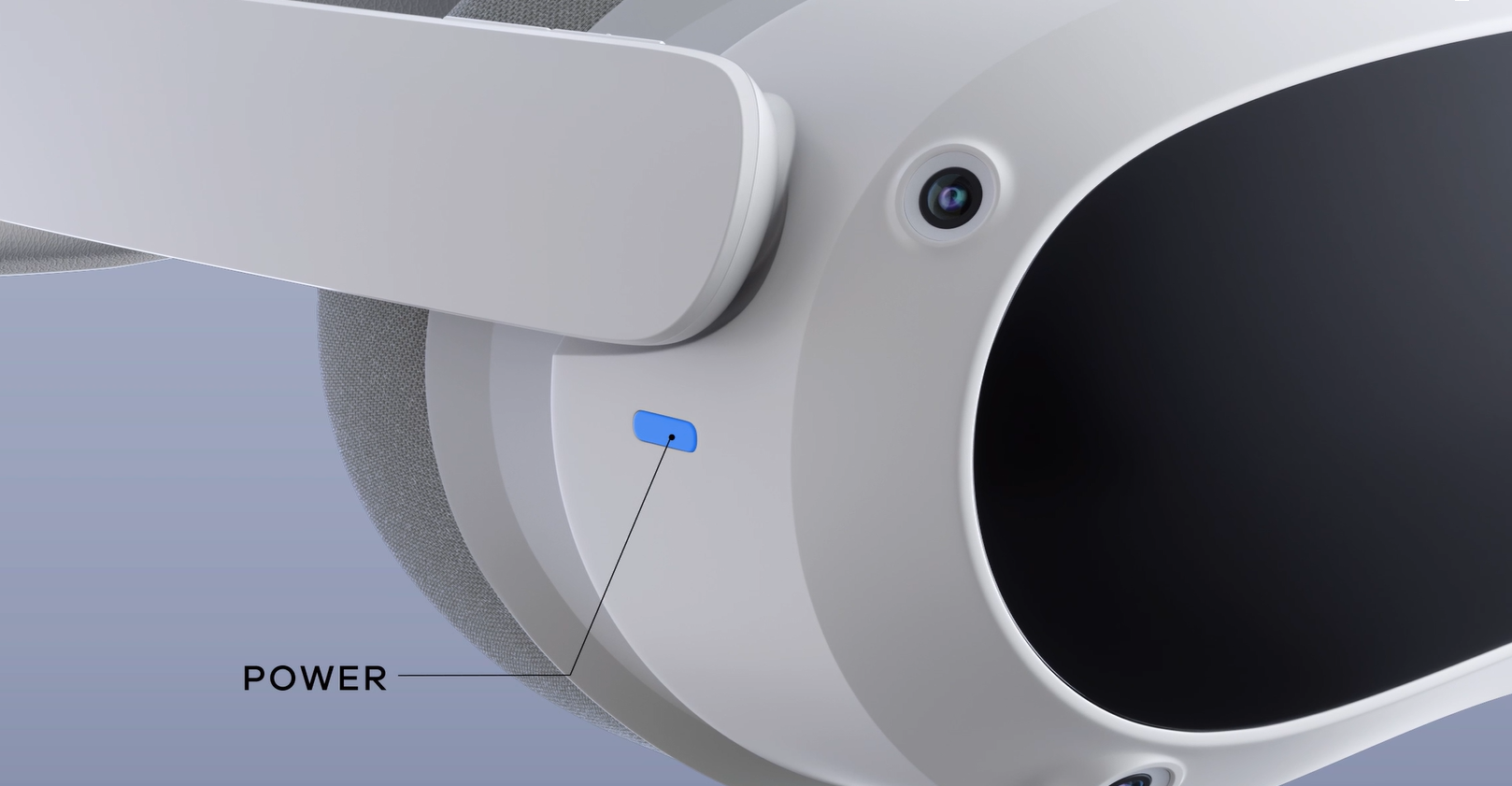
- After the Android robot appears, press and hold the Power button, then press the volume + button again. Use the volume +/- buttons to navigate the list that appears, and use the Power button to confirm.
- Select "Wipe Data/Factory Reset", then select "Factory Data Reset" in the next menu.
- select "Reboot System Now", then press the Power button to restart.
- The PICO logo should appear after a moment. Your VR all-in-one device can now be used normally.